Supported configurations in the pdf_config field of PDF generation request payload
PDF configurations allow customizing the PDF to your needs.
This page discusses base and high-level PDF configs that are relevant for all PDFs regardless of their type. If you are interested in more than a base-level config for a particular PDF type, refer to the corresponding docs given below for each PDF type, which gives you in-depth picture for the particular case you are looking for. There are currently four types of PDFs supported:
- report (config docs)
- lab (config docs)
- ancestry (supports only the common configs)
- mtdna (supports only the common configs)
Each has its own supported PDF configurations that you can use to alter the resulting PDF.
You are supposed to populate these configurations in the pdf_config field when passing the JSON payload to report_job endpoint or pdf_job endpoint. Some of the configs are generic and common across PDF types which are discussed below.
Common PDF Configs
Sample Payload
Example of a valid pdf_config payload that can be used for any PDF type:
"pdf_config": {
  "white_labelled": true,
  "company_profile": {
    "company_name": "DemoCorp Ltd.",
    "logo": "https://dummyimage.com/200x200/000/fff&text=Company+Logo",
    "professional_name": "John Doe Consulting",
    "website": "https://www.democorp.com",
    "email": "[email protected]",
    "phone": "+1-555-0123-456",
    "address": "1234 Demo Street, Demo City, 56789"
  },
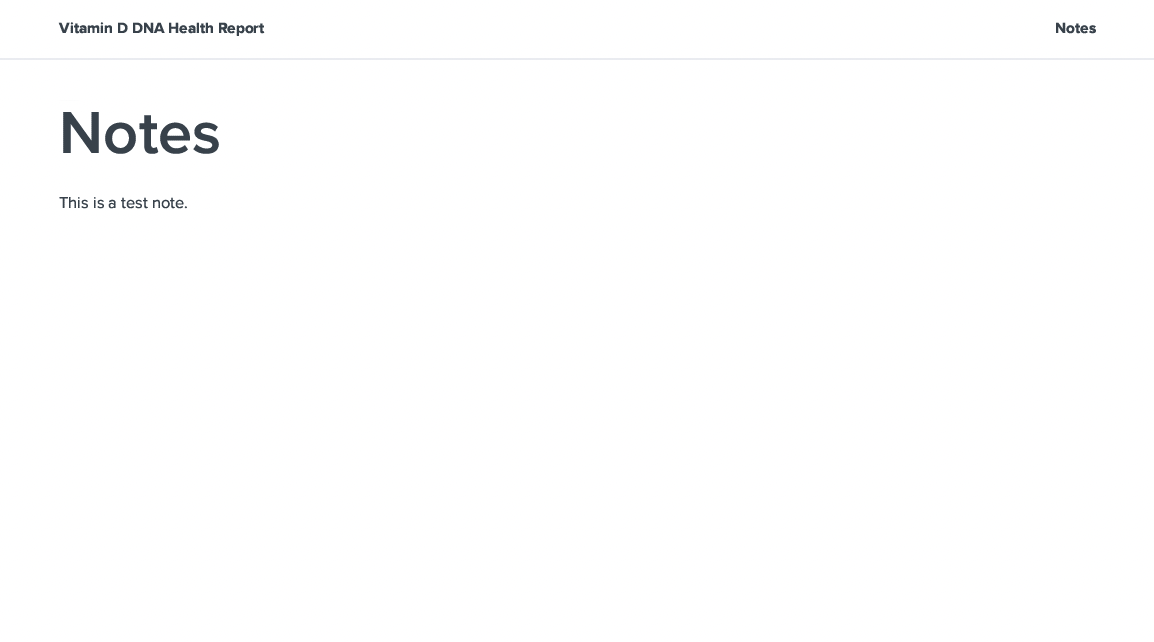
  "notes": "This is a test note.",
  "custom_page_title": "Notes for You",
  "client_name": "John Doe",
  "lang": "es",
  "icon_style": "emoji",
  "number_of_recommendations": 15
}
Payload Explanation
Supported keys and values for pdf_config JSON field common across PDFs and their explanation is given below.
Note: None of these keys are required. In case not provided, defaults would be used.
| Key | Value Type | Default | Supported Values | Explanation |
|---|---|---|---|---|
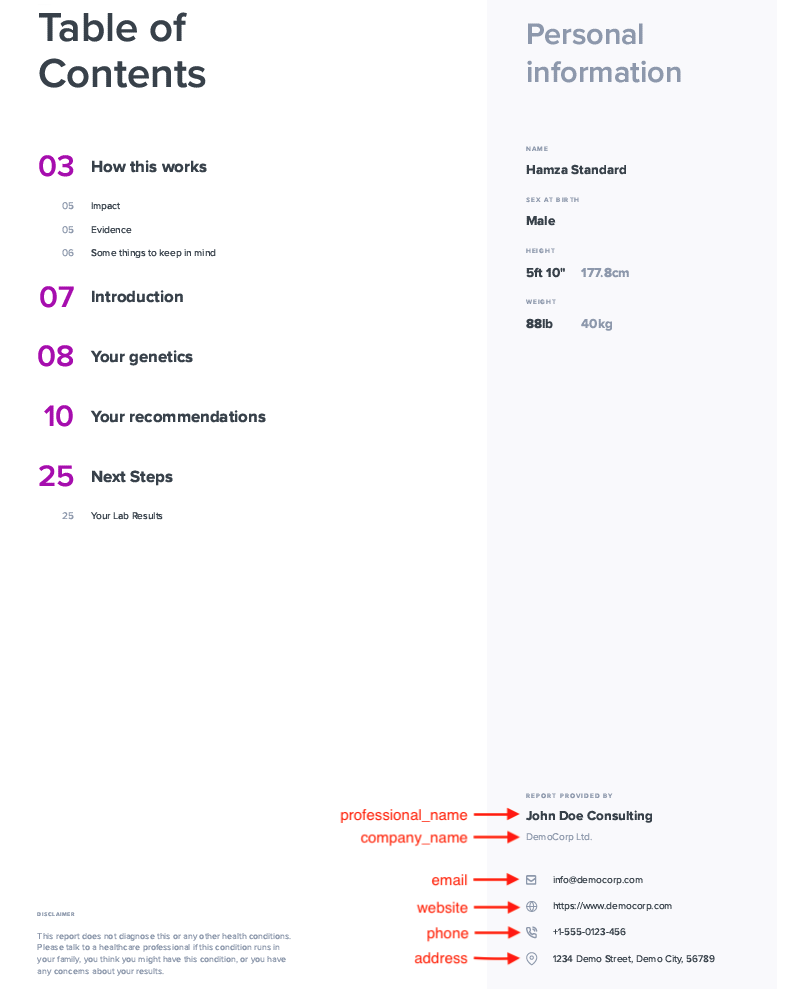
| white_labelled | boolean | false | true, false | Whether you want to white-label your PDF or not. If set to true, it would remove SelfDecode branding, and you'll have to provide your own branding info in the company_profile field (see next field) |
| company_profile | JSON | null | Refer to white-labelling section | Note: Required only if white_labelled is set to true. |
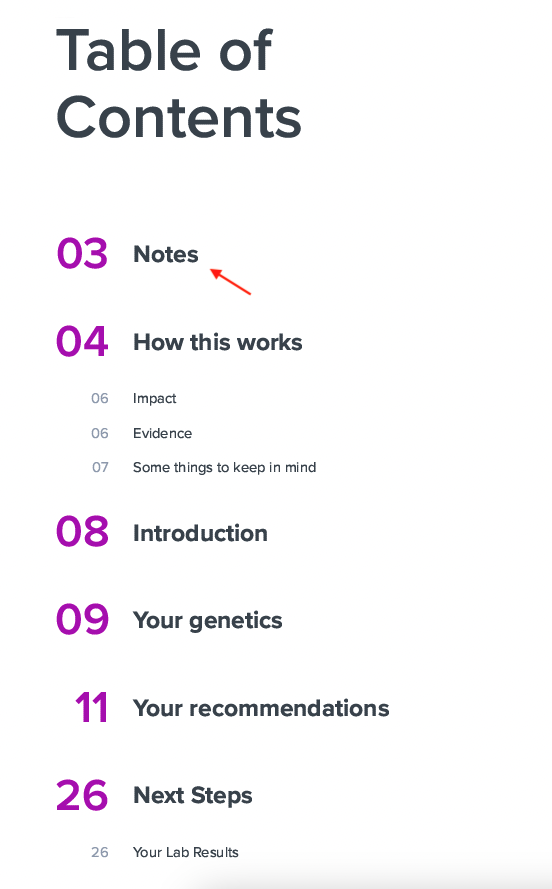
| notes | string | "" | Any simple text | Any simple text notes you want to be displayed at the start of the PDF under the Notes section . If not provided, the notes section is omitted. To customize the title of the notes page, refer to next field. |
| custom_page_title | string | "Notes" | Any simple text | Custom title for the page displaying the notes. |
| client_name | string | profile name | Any simple text | Name of the intended recipient to be displayed on the PDF cover page. If not provided, profile name would be used as default. |
| lang | string | "en" | en, he, es, fr, de, it, ar, pt, bg | Supported languages are:ENGLISH = "en" HEBREW = "he" SPANISH = "es" FRENCH = "fr" GERMAN = "de" ITALIAN = "it" ARABIC = "ar" PORTUGUESE = "pt" BULGARIAN = "bg" |
| icon_style | string | "standard" | standard, hand, emoji | You can customize the icon set displayed to represent your varying levels of risk. For more details, refer to Icon Styles. |
| number_of_recommendations | integer | count of total recommendations | Any positive integer | You can limit the number of top recommendations to be displayed on the PDF by passing any positive integer value. If not provided, all relevant recommendations would be displayed. |
White-labelling
Company profile has to be provided in the PDF config if you choose to white-label your PDF. It is a JSON value, that supports the keys given below.
Note: None of these fields are required. In case not provided, they won't be displayed on the PDF.
| Key | Value Type | Explanation |
|---|---|---|
| logo | string | URL of your company logo to be displayed on the cover page |
| professional_name | string | Name of your company to be displayed on the PDF as primary name |
| company_name | string | Name of your company to be displayed on the PDF as secondary name |
| website | string | URL of your website |
| string | ||
| phone | string | |
| address | string |
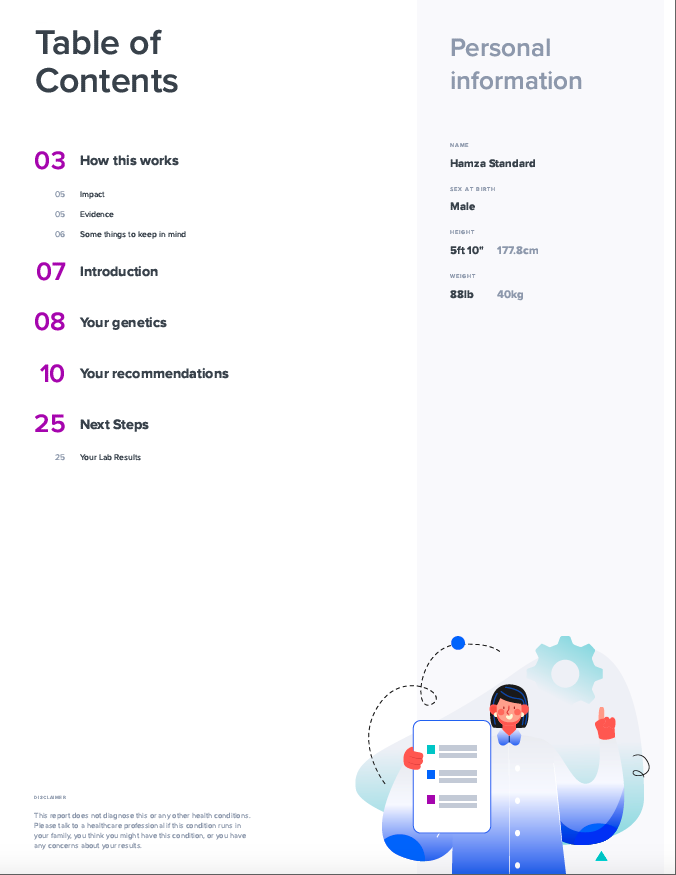
PDF with SelfDecode branding

PDF with your company's custom branding

Notes
Icon Styles
standard

hand

emoji