Supported configurations in the pdf_config field
Sample Payload
Example of a valid pdf_config payload that can be used for lab PDF type:
"pdf_config": {
  "white_labelled": true,
  "company_profile": {
    "company_name": "DemoCorp Ltd.",
    "logo": "https://dummyimage.com/200x200/000/fff&text=Company+Logo",
    "professional_name": "John Doe Consulting",
    "website": "https://www.democorp.com",
    "email": "[email protected]",
    "phone": "+1-555-0123-456",
    "address": "1234 Demo Street, Demo City, 56789"
  },
  "notes": "This is a test note.",
  "custom_page_title": "Notes for You",
  "client_name": "John Doe",
  "lang": "es",
  "icon_style": "emoji",
  "number_of_recommendations": 15,
  "uncheck_sections":["recommendations"],
  "recommendation_type": "simple",
  "uncheck_recommendations": ["yoga", "optimize-sleep", "optimize-exercise"],
  "result_inputs": "latest_results",
  "result_ids": ["61da7a4e-1bce-4707-a9e9-28e70562dd59", "5161f47a-a19c-416c-8bdc-27934514a324"],
  "title_page_image_url": "https://labs.selfdecode.com/app/uploads/2022/08/Rupa-Health-Review.webp",
  "title_page_header": "Customised Heading",
  "title_page_sub_header": "Customised sub-heading",
  "include_toc_image": False,
}
Payload Explanation
Supported keys and values for pdf_config JSON field and their explanation, for lab PDFs is given below. These are in addition to the common PDF configs outlined here.
Note: None of these fields are required. In case not provided, defaults would be used.
| Key | Value Type | Default | Supported Values | Explanation |
|---|---|---|---|---|
| uncheck_sections | list | [] | myResults, resultsList, recommendations | Sections that you want to exclude from the PDF. By default, all sections are included. For details regarding each section, please refer to Removable PDF Lab Sections. |
| recommendation_type | string | full | full, simple | For details, please refer to Recommendation Types |
| uncheck_recommendations | list | [] | all valid recommendation slugs | Slugs of recommendations that you want to exclude from the PDF. The recommendation slugs here correspond to the values returned in the lab_recommendation_slugs field in the response body of the GET /result/ endpoint. |
| result_inputs | string | all | all, latest_results | Whether to include all results in PDF, or only the latest ones for each biomarker. Let's suppose you have two results for "Iron, Total" biomarker, one taken at a prior date and one taken at a later date. If "latest_results" is selected, only the latter would be displayed. |
| result_ids | list of UUIDs | [] | all valid result IDs | If left empty, i.e. default, all results would be displayed. Otherwise, only the result_ids provided would be displayed. Result IDs can be fetched from result endpoint. |
| title_page_image_url | string | "" | any valid image URL | If left empty, there would be no background image for the title page |
| title_page_header | string | "Lab Results" | any string | Header displayed on the title page |
| title_page_sub_header | string | "Report" | any string | Sub-header displayed on the title page |
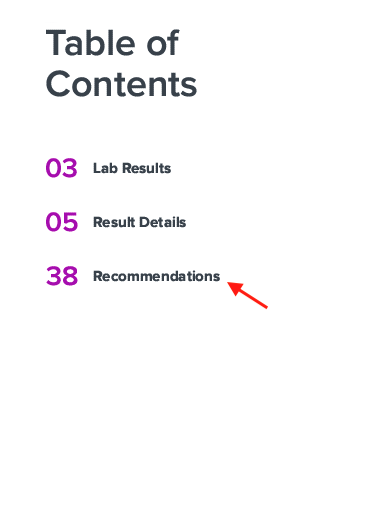
| include_toc_image | bool | True | true, false | Whether to show the default image at the bottom right of the Table of Contents page or not |
Removable PDF Lab Sections
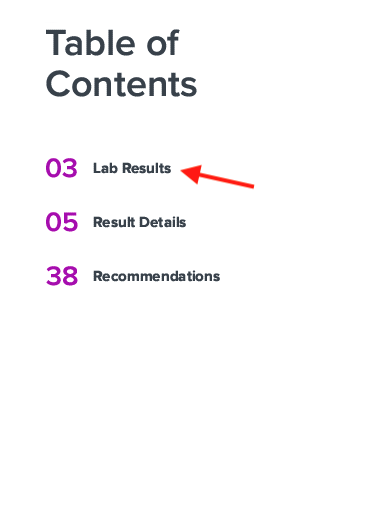
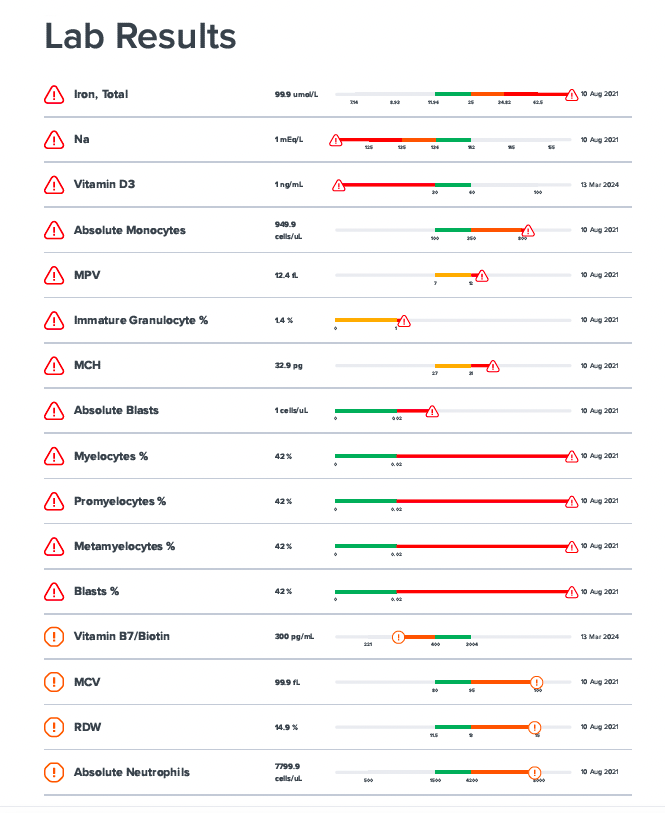
myResults
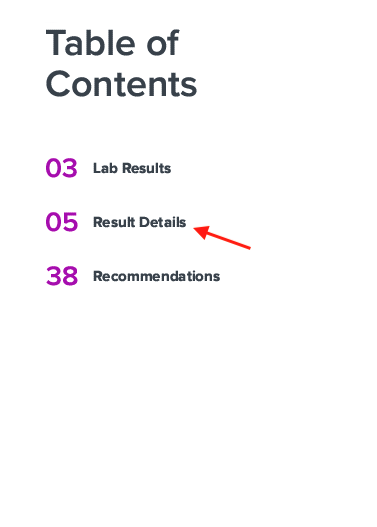
resultsList
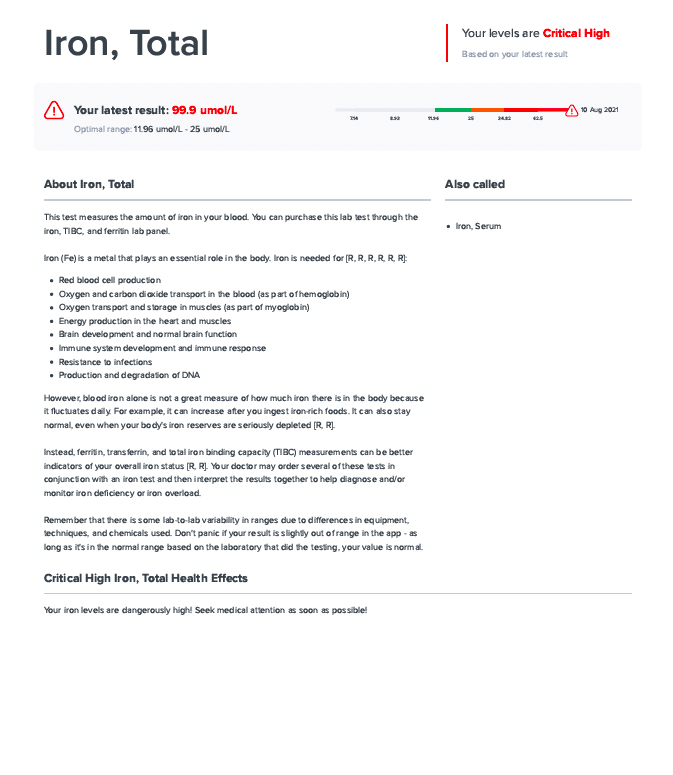
recommendations
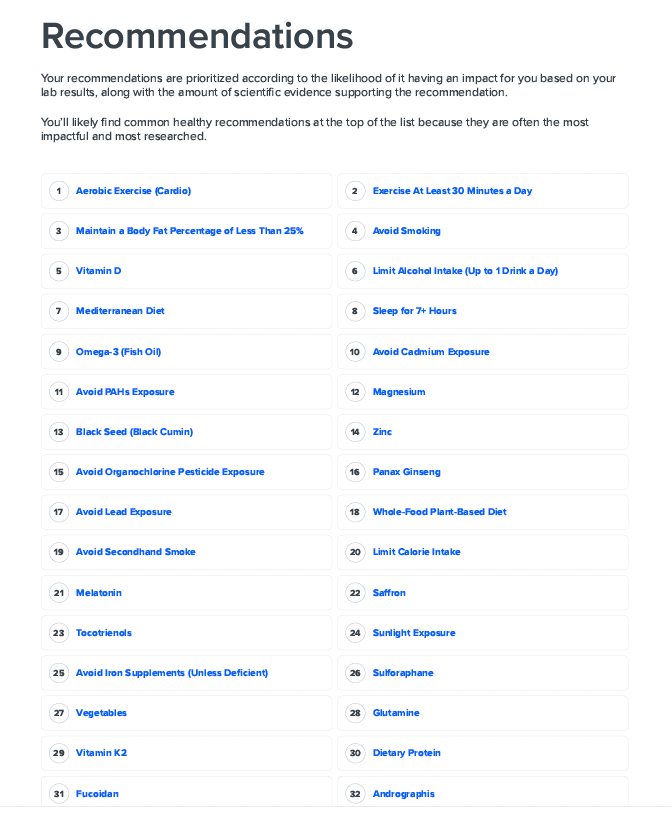
Recommendation Types
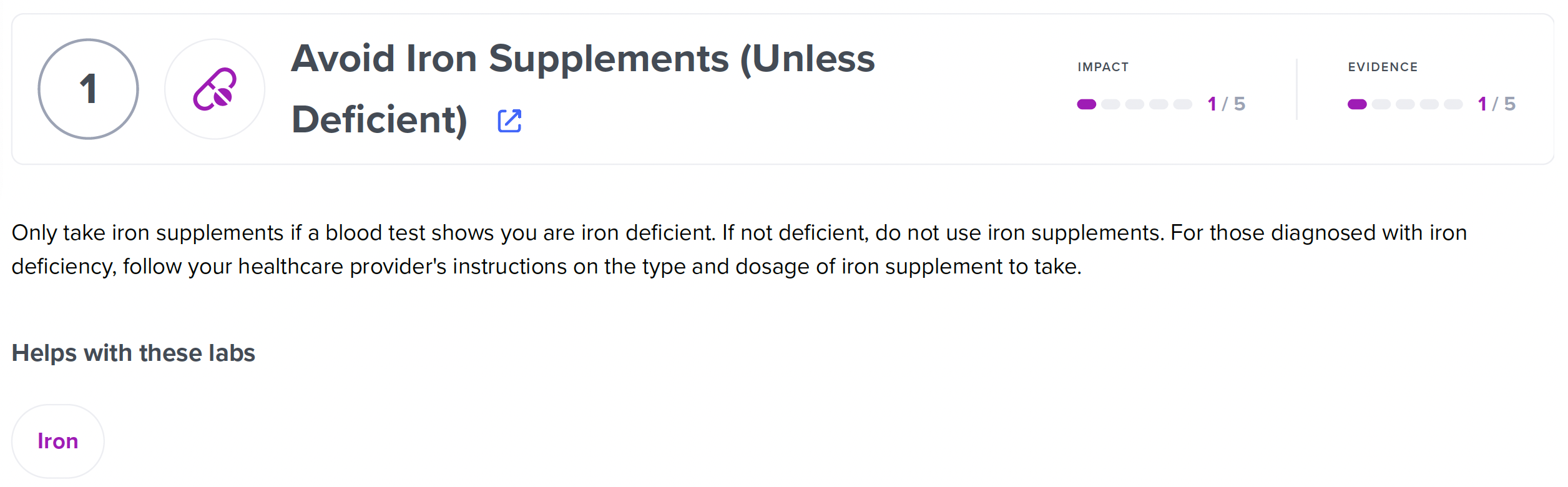
Recommendation simple view
With recommendation_type = "simple", PDF displays the recommendation cards, each with a brief description and the labs markers that the recommendation helps with:
Recommendation full view
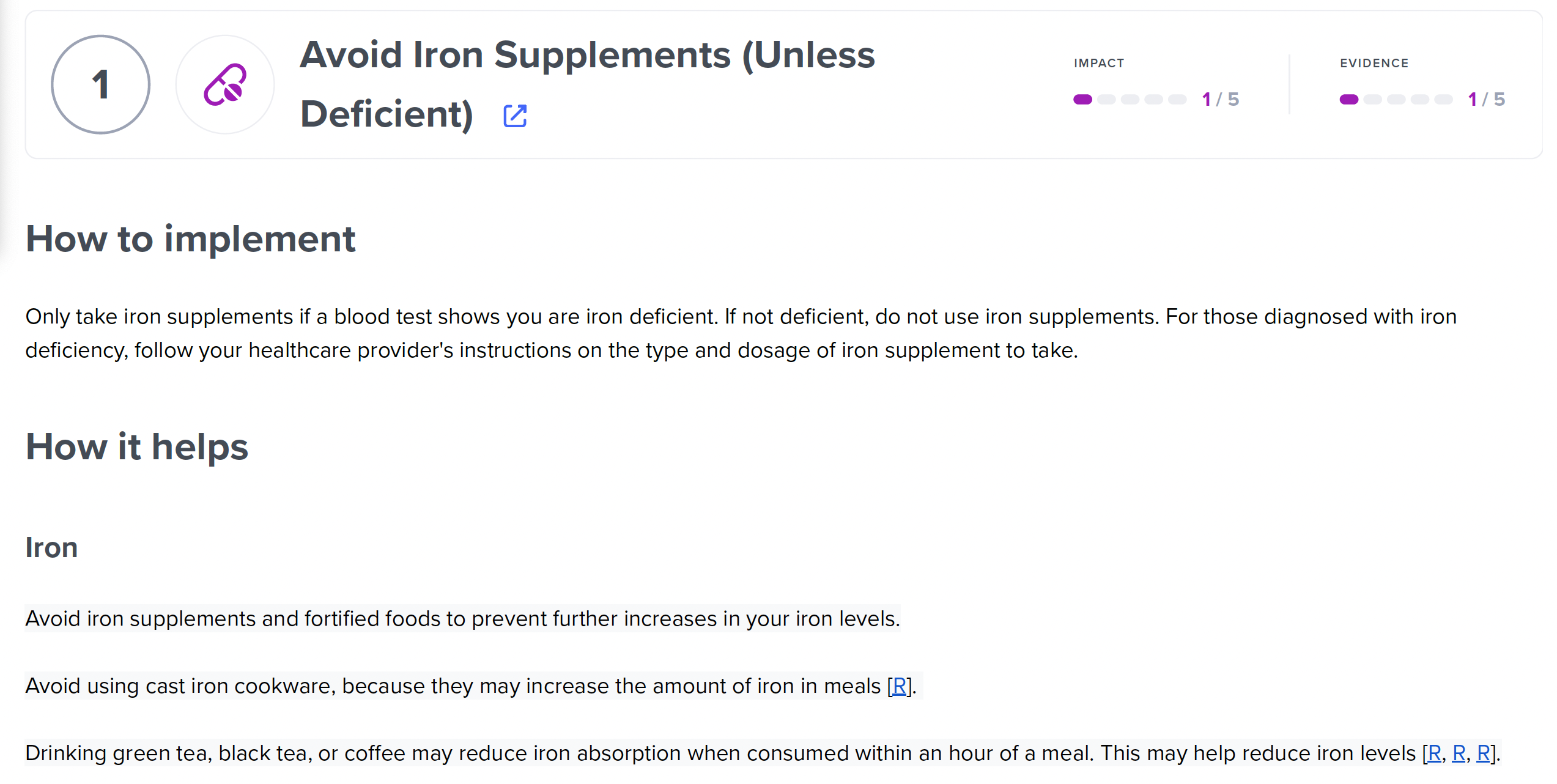
With default config recommendation_type = "full", PDF displays the "How it helps" section for each marker the recommendation helps with, in addition to the simple view: