Supported configurations in the pdf_config field
Report PDFs can further be classified into
- regular report PDF
- summary (comprehensive) report PDF
Summary reports are the ones with report_type = "aggregate" or "combined". These are special reports that are a combination of regular reports. For more details, please refer here.
All reports with report types other than the above two are regular reports.
The PDFs for regular reports expect a slightly different configuration as compared to PDFs for comprehensive reports. Although the pdf configs are mutually compatible, they support slightly different options under the uncheck_sections key (invalid options will be ignored). Please refer to uncheck_sections under regular PDFs config vs. uncheck_sections under comprehensive PDFs config. If you need completely divergent configs for summary vs standard report PDFs and use the bulk create endpoint, please group regular reports in one call with the desired config, and summary reports in a separate call with the desired config.
Below the supported PDF configs are given for both regular and summary reports.
Regular PDFs Config
Sample Payload
Example of a valid pdf_config payload that can be used for regular report PDF type:
"pdf_config": {
  "white_labelled": true,
  "company_profile": {
    "company_name": "DemoCorp Ltd.",
    "logo": "https://dummyimage.com/200x200/000/fff&text=Company+Logo",
    "professional_name": "John Doe Consulting",
    "website": "https://www.democorp.com",
    "email": "[email protected]",
    "phone": "+1-555-0123-456",
    "address": "1234 Demo Street, Demo City, 56789"
  },
  "notes": "This is a test note.",
  "custom_page_title": "Notes for You",
  "client_name": "John Doe",
  "lang": "es",
  "icon_style": "emoji",
  "number_of_recommendations": 15,
  "uncheck_sections":["howThisWorks", "introduction"],
  "lab_results_type": "out_of_optimal",
  "recommendation_type": "simple",
  "uncheck_slugs": ["yoga", "optimize-sleep", "optimize-exercise"],
  "customization": {"theme_color": "#FFFFFF"},
  "report_id": "61da7a4e-1bce-4707-a9e9-28e70562dd59"
}
Payload Explanation
Supported keys and values for pdf_config JSON field for regular report PDFs and their explanation is given below. These are in addition to the common PDF configs.
Note: None of these fields are required. In case not provided, defaults would be used except if you're generating a report PDF with the pdf_job endpoint, passing report_id within the pdf_config is mandatory.
| Key | Value Type | Default | Supported Values | Explanation |
|---|---|---|---|---|
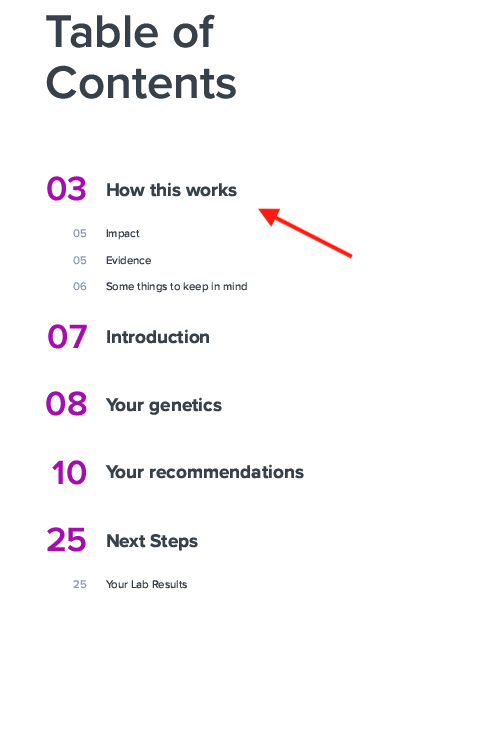
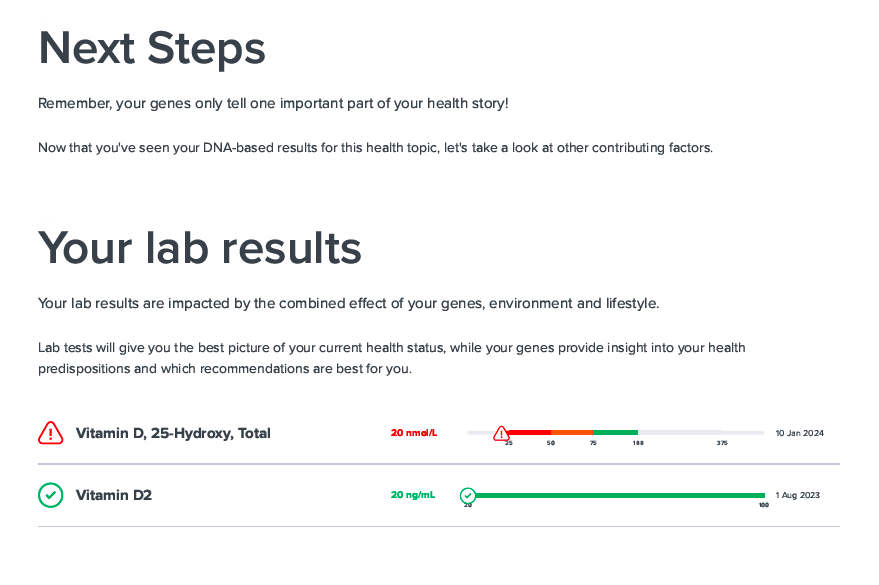
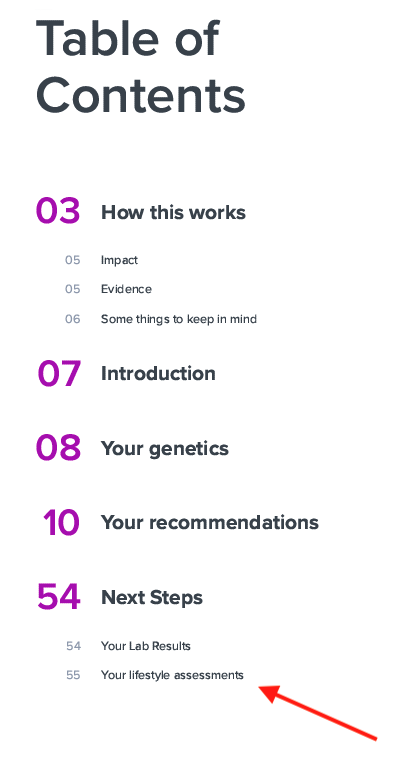
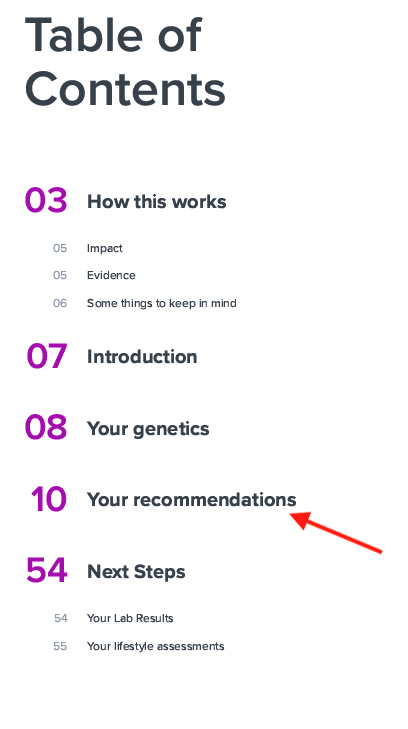
| uncheck_sections | list | [] | howThisWorks, introduction, labResults, riskAssessments, recommendations, geneticVariants | Sections that you want to exclude from the PDF. By default, all sections are included in the PDF. For details regarding each section, please refer to Removable PDF Report Sections |
| lab_results_type | string | "all" | all, out_of_optimal | Whether you want to show all lab results or only the ones which are out of optimal |
| recommendation_type | string | "full" | full, simple | Whether you want the detailed recommendation content or just the recommendation heading in the PDF |
| uncheck_recommendations / uncheck_slugs | list | [] | all valid recommendation slugs | Recommendations that you want to exclude from the PDF. The recommendation slugs here correspond to the recommendation_id field in report_recommendation object of the payload given under ProfileReportRecommendation (or if you navigate to /profile-report-recommendation/ -> Response -> Response body -> report_recommendation -> recommendation_id).Note: The use case for this field is removing some particular recommendations you are not happy with. If your concern is rather cutting down the huge number of recommendations to a prioritized few, please refer to number_of_recommendations field under Common PDF Configs. |
| customization | JSON | {} | {"theme_color": "#FFFFFF"} | You can pass any theme color of your choice for the PDF as 6-digit hex color codes. |
| report_id | UUID | Required only for PDF job endpoint if pdf_type = report |
Removable PDF Report Sections
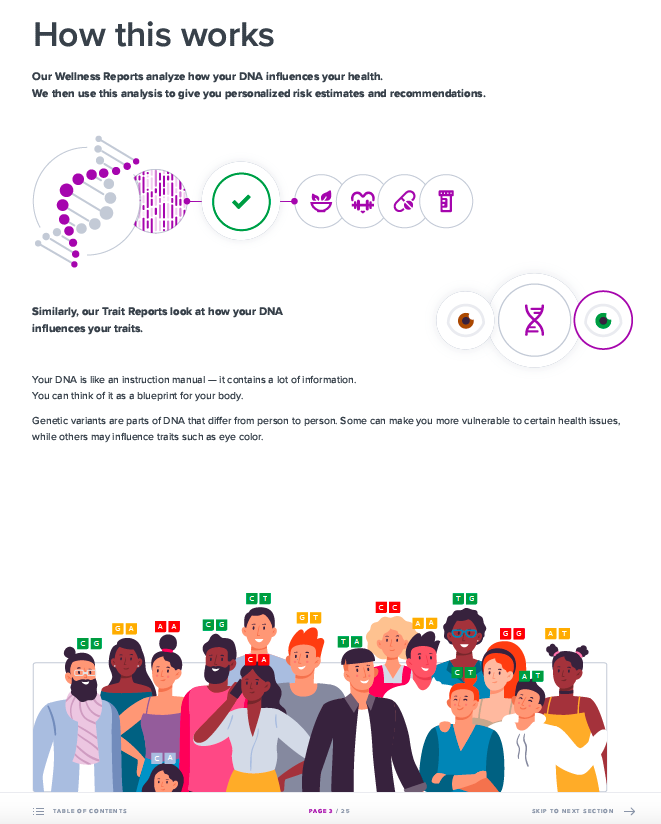
howThisWorks
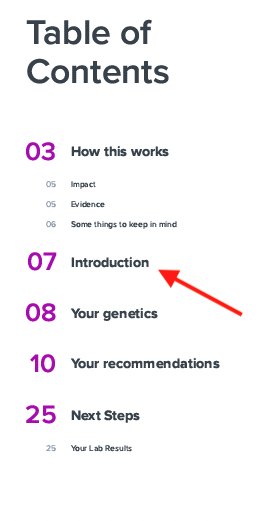
introduction
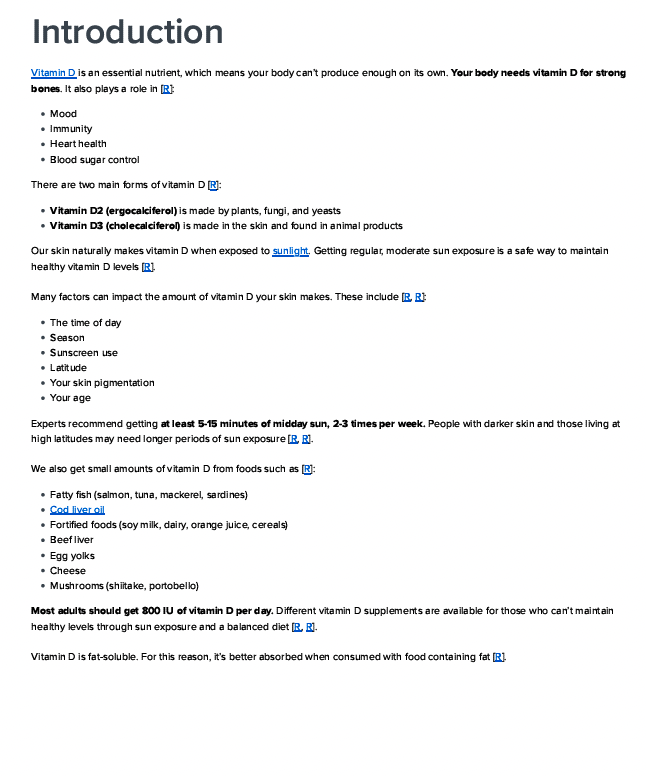
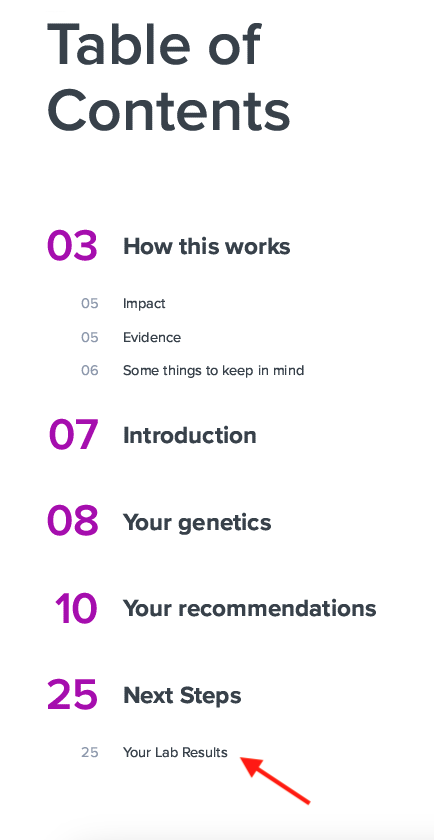
labResults
riskAssessments
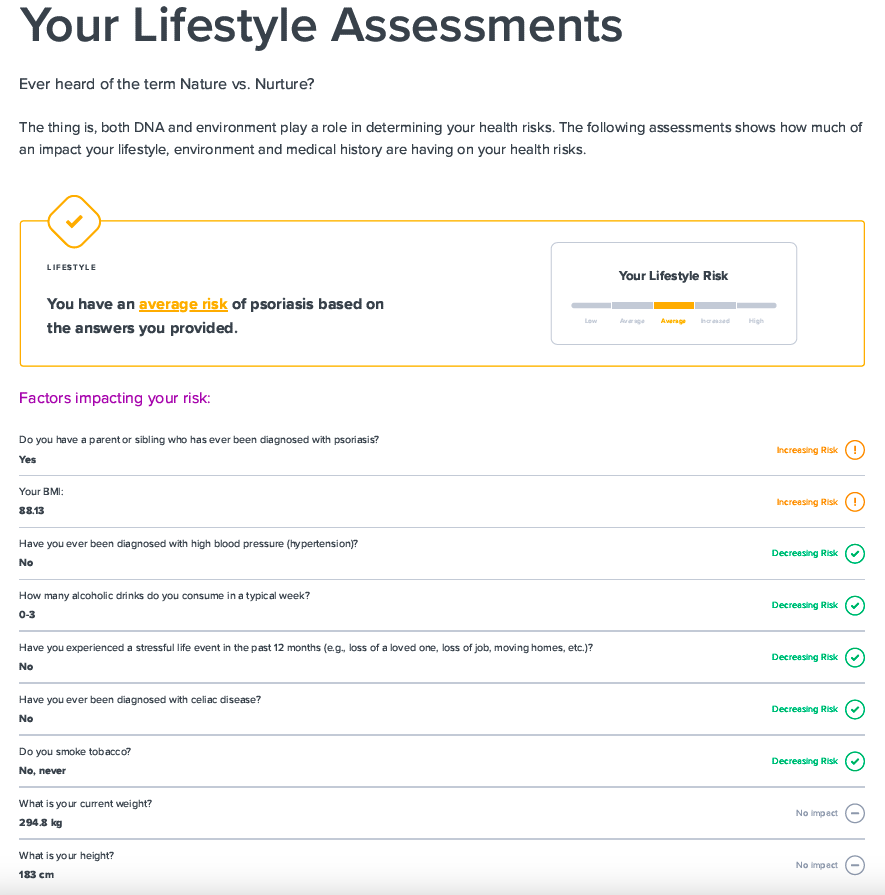
recommendations
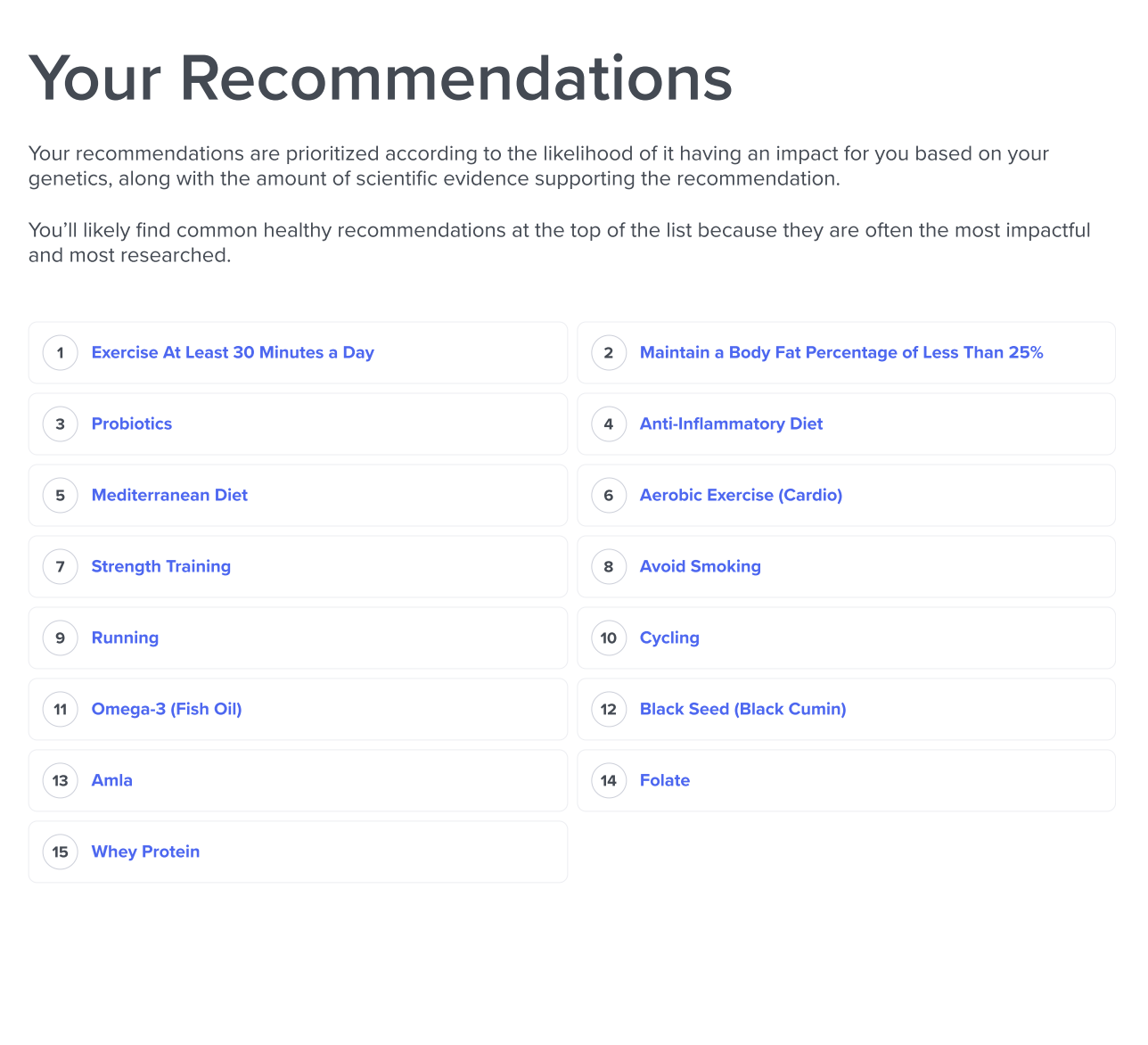
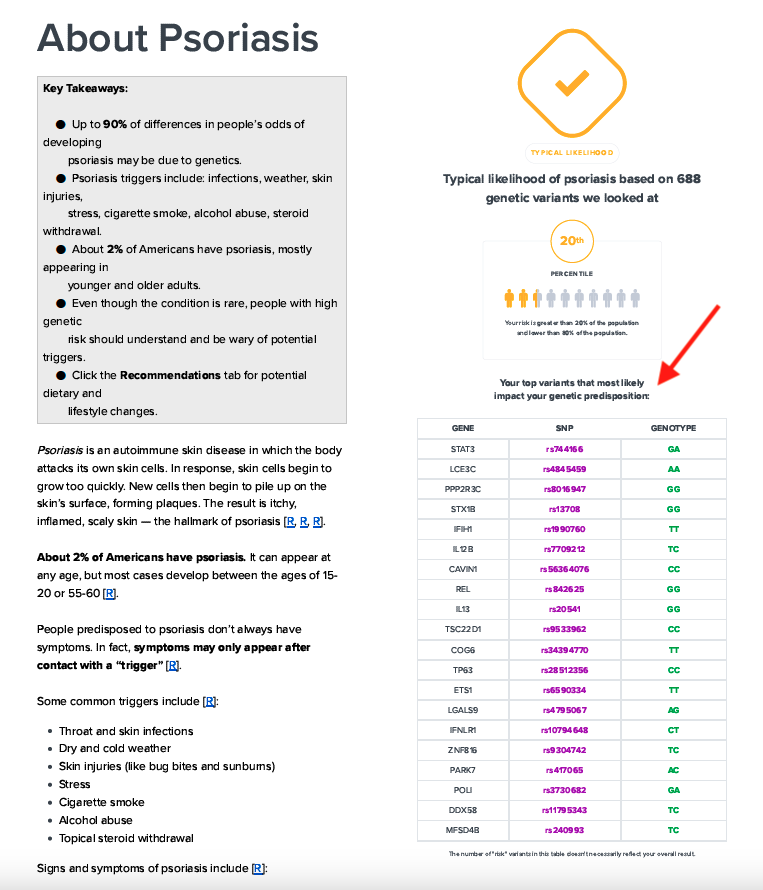
geneticVariants
Default "About" page (left) and "About" page with "geneticVariants" unchecked (right)
Recommendation Types
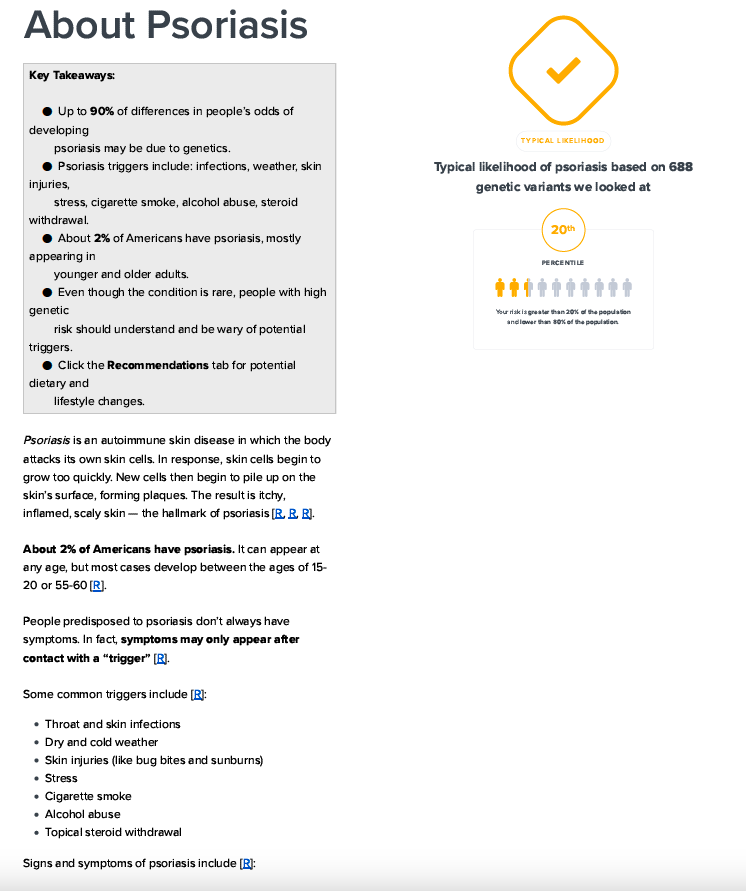
Recommendation full view
With default config recommendation_type = "full", showing all details.
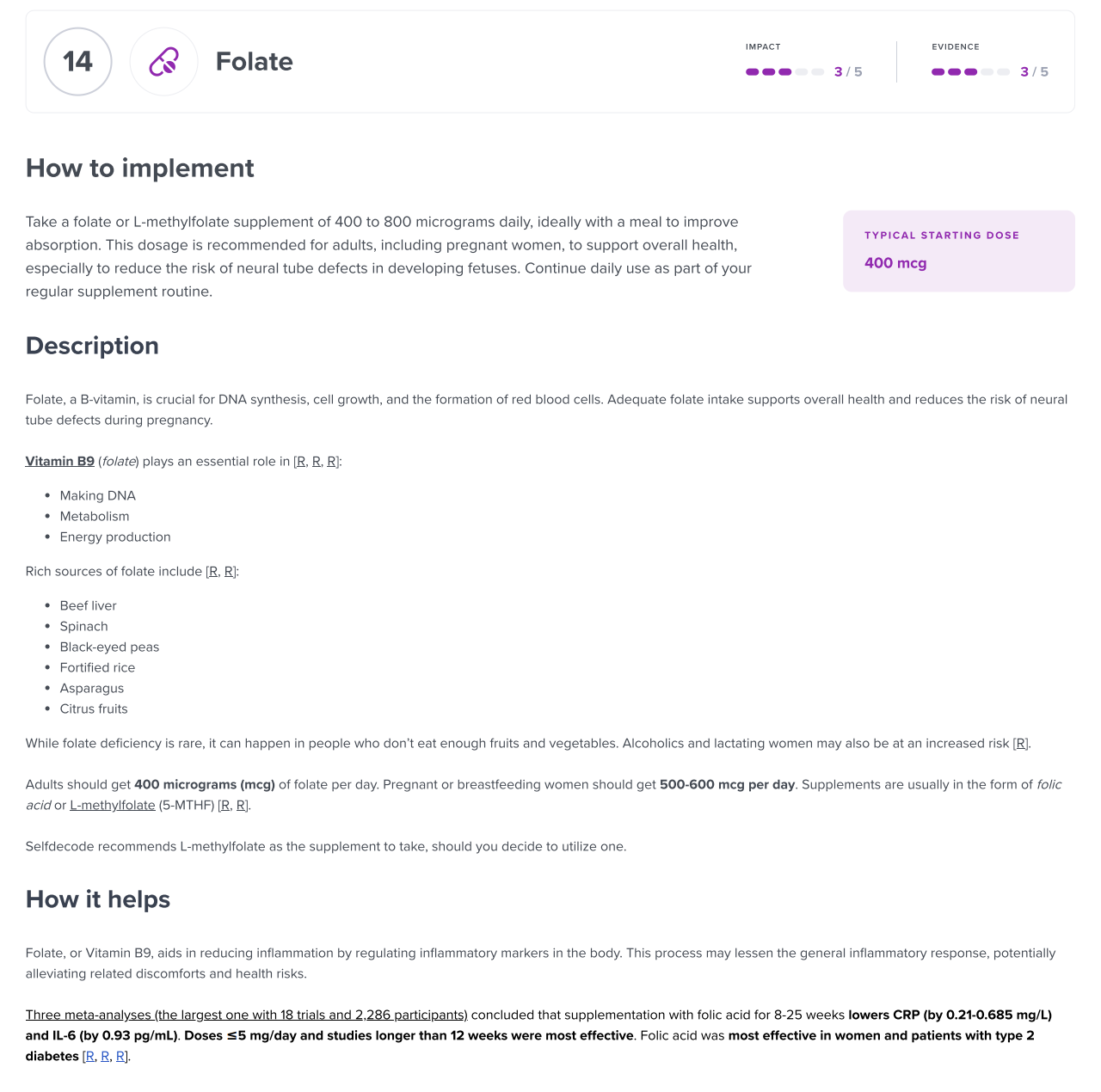
Recommendation simple view
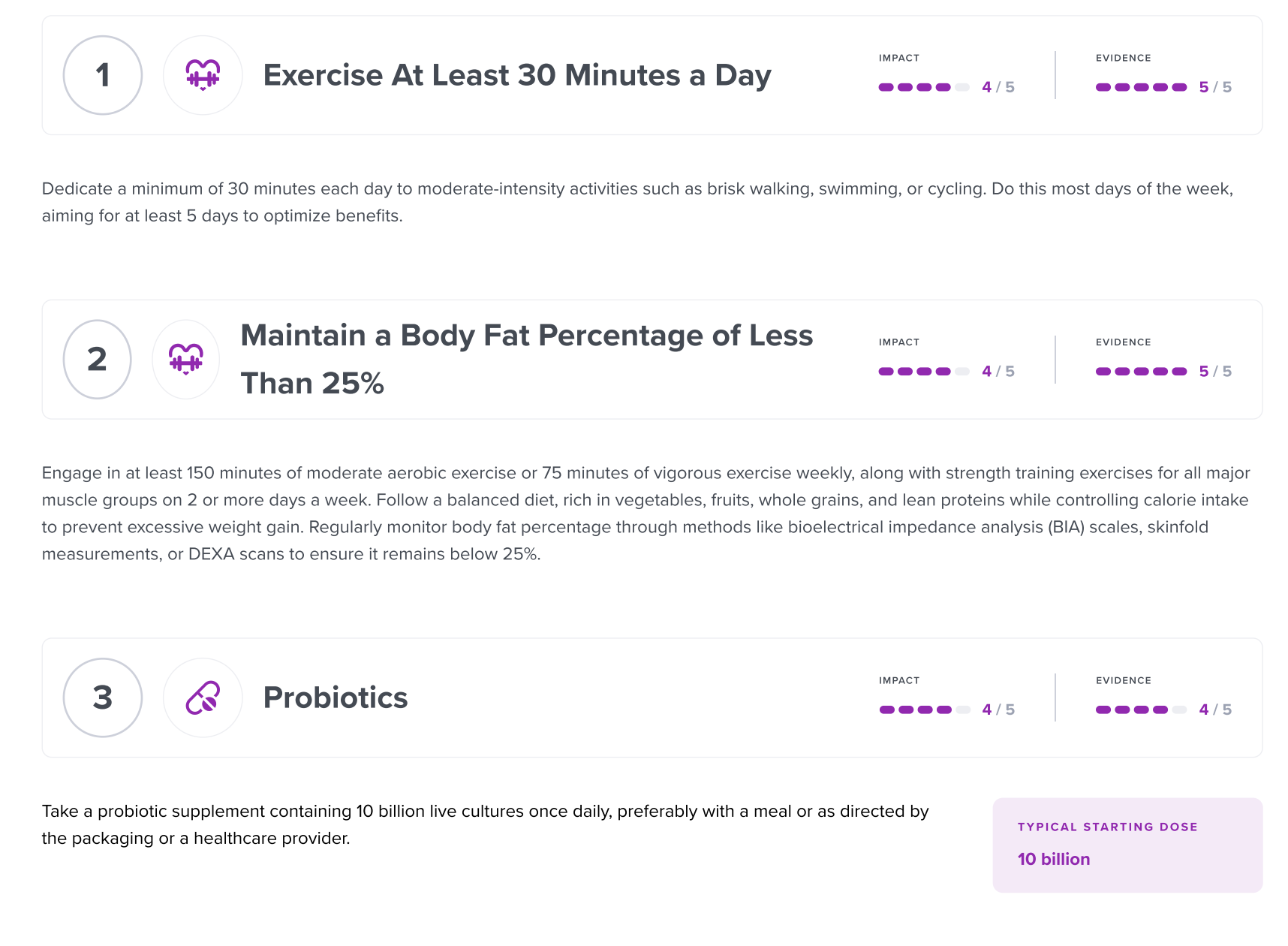
With recommendation_type = "simple", showing only the recommendation cards.
Comprehensive PDFs Config
Sample Payload
Example of a valid pdf_config payload that can be used for comprehensive report PDF type:
"pdf_config": {
  "white_labelled": true,
  "company_profile": {
    "company_name": "DemoCorp Ltd.",
    "logo": "https://dummyimage.com/200x200/000/fff&text=Company+Logo",
    "professional_name": "John Doe Consulting",
    "website": "https://www.democorp.com",
    "email": "[email protected]",
    "phone": "+1-555-0123-456",
    "address": "1234 Demo Street, Demo City, 56789"
  },
  "notes": "This is a test note.",
  "custom_page_title": "Notes for You",
  "client_name": "John Doe",
  "lang": "es",
  "icon_style": "emoji",
  "number_of_recommendations": 15,
  "uncheck_sections":["summary", "mealPlan"],
  "lab_results_type": "out_of_optimal",
  "recommendation_type": "simple",
  "uncheck_slugs": ["yoga", "optimize-sleep", "optimize-exercise"],
  "customization": {"theme_color": "#FFFFFF"},
  "report_id": "61da7a4e-1bce-4707-a9e9-28e70562dd59"
}
Payload Explanation
PDF configs for comprehensive reports largely overlap with those of regular reports shared above. Below, only differences are shared; rest remains the same as above.
| Key | Value Type | Default | Supported Values | Explanation |
|---|---|---|---|---|
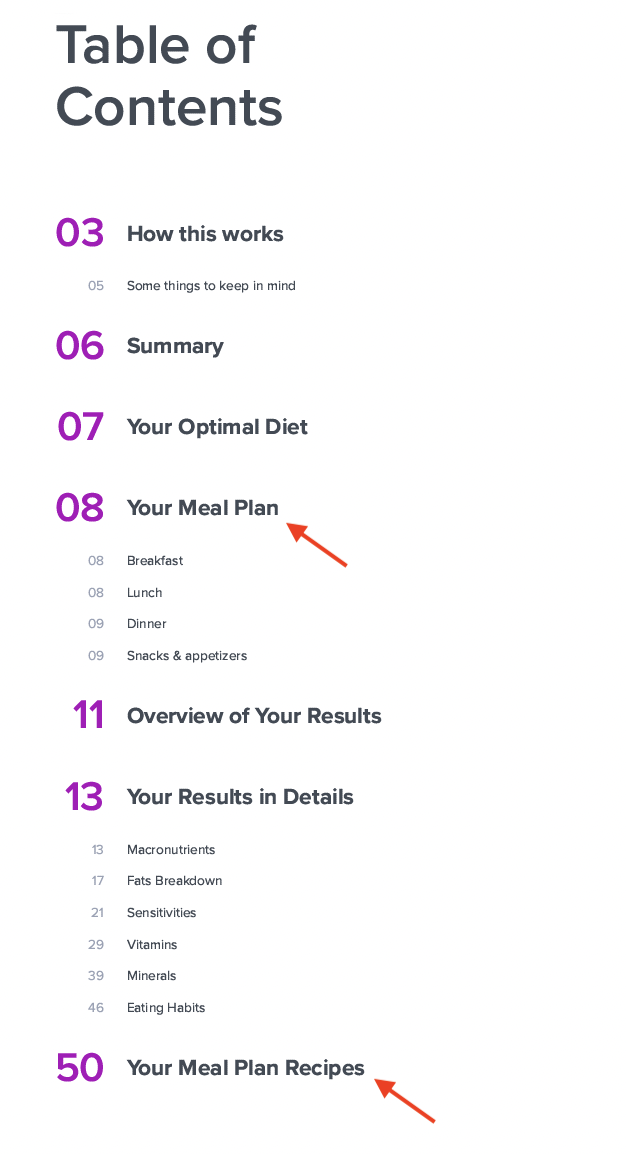
| uncheck_sections | list | [] | howThisWorks, recommendations, labResults, riskAssessments, summary, overviewOfResults, details, optimalDiet, mealPlan | Sections that you want to exclude from the PDF. By default, all sections are included in the PDF. For details regarding the first 4 sections, please refer to Removable PDF Report Sections. For details regarding the last 5 sections, refer to Comprehensive Specific Report Sections Note: optimalDiet and mealPlan are only relevant for the Diet report. |
Comprehensive Specific Report Sections
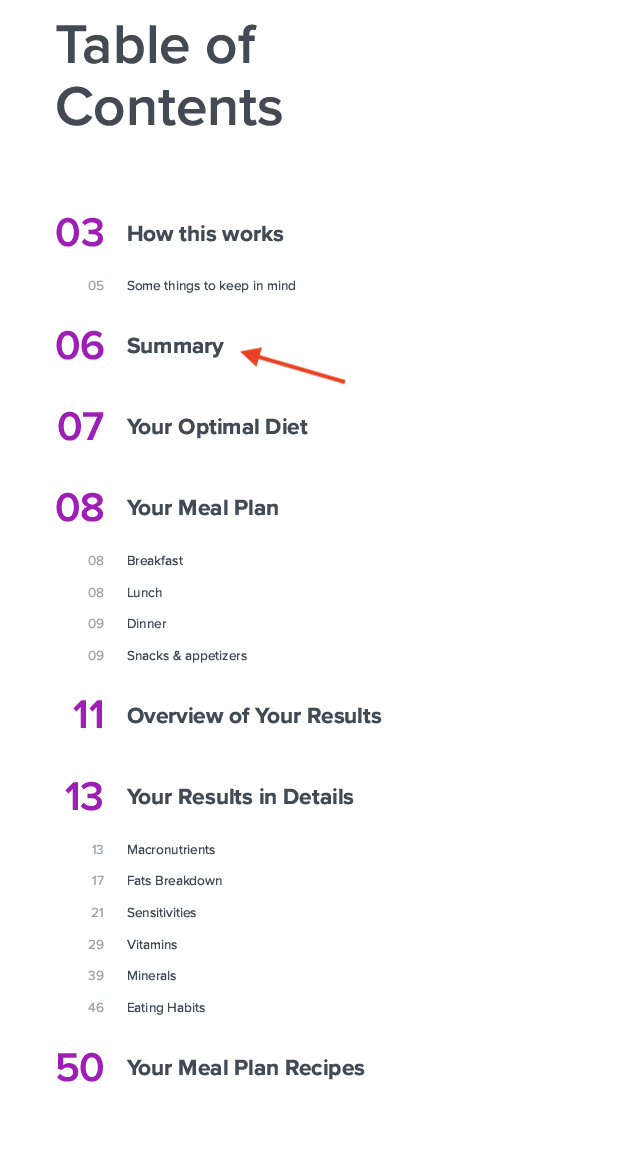
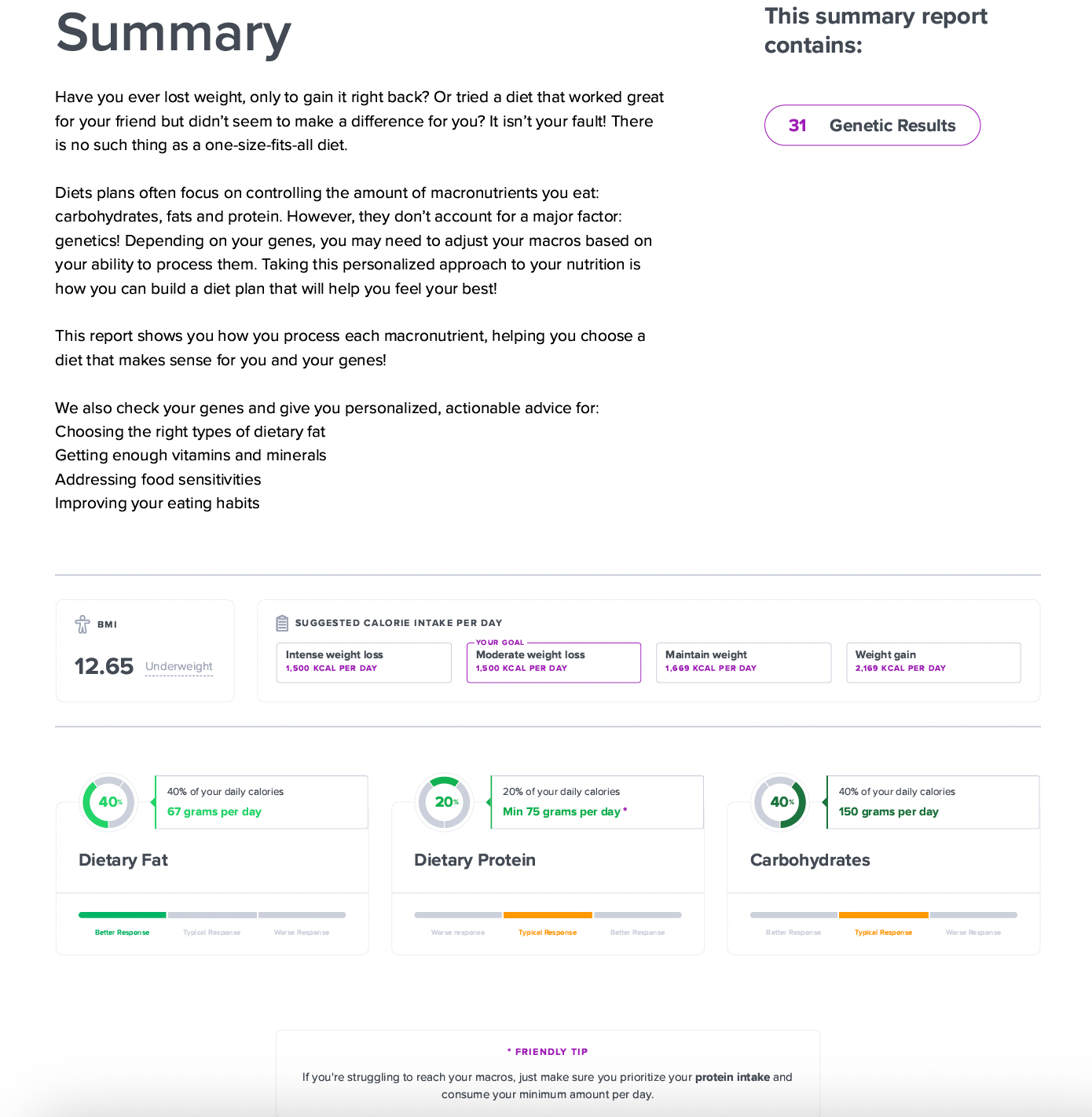
summary
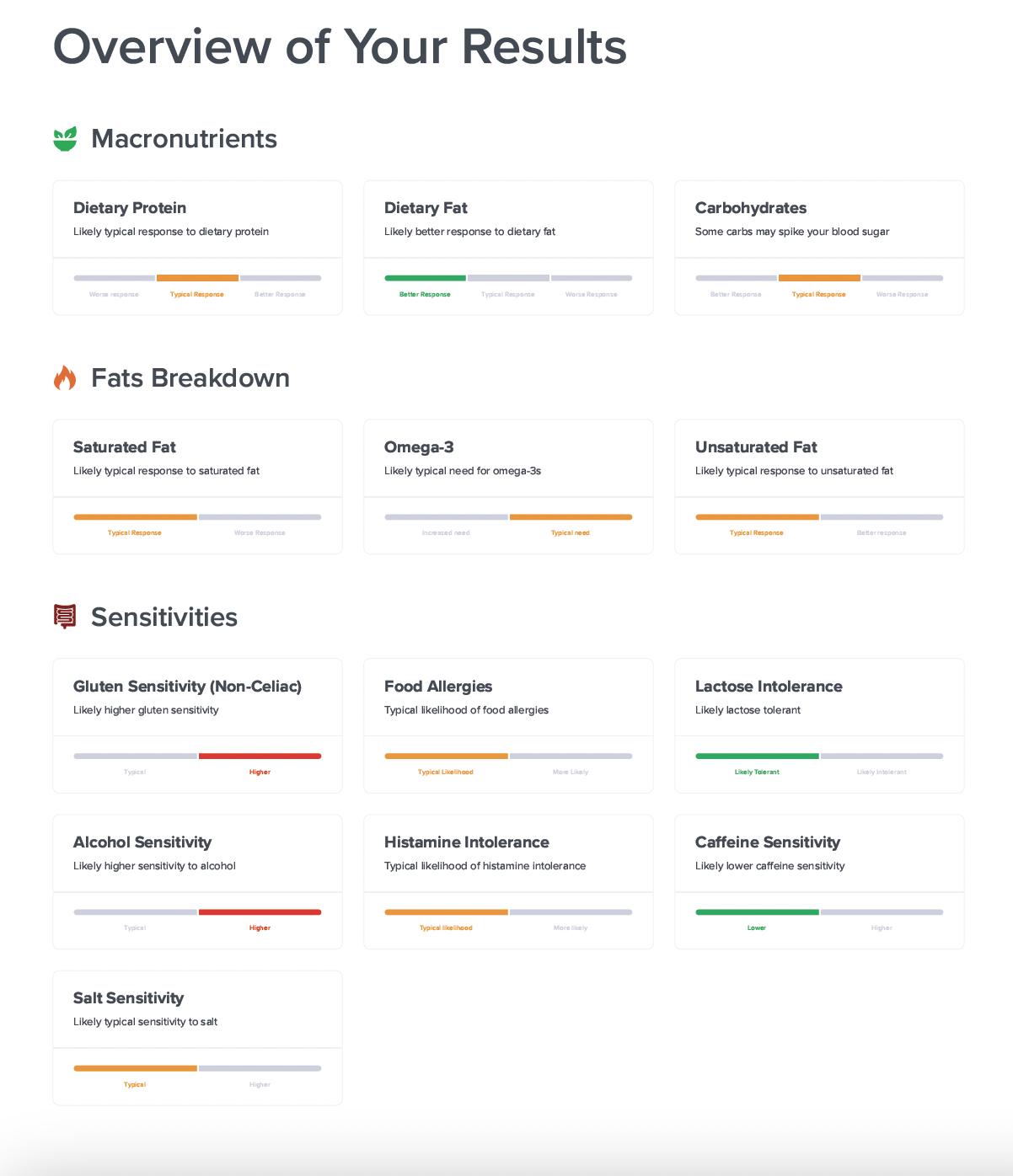
overviewOfResults
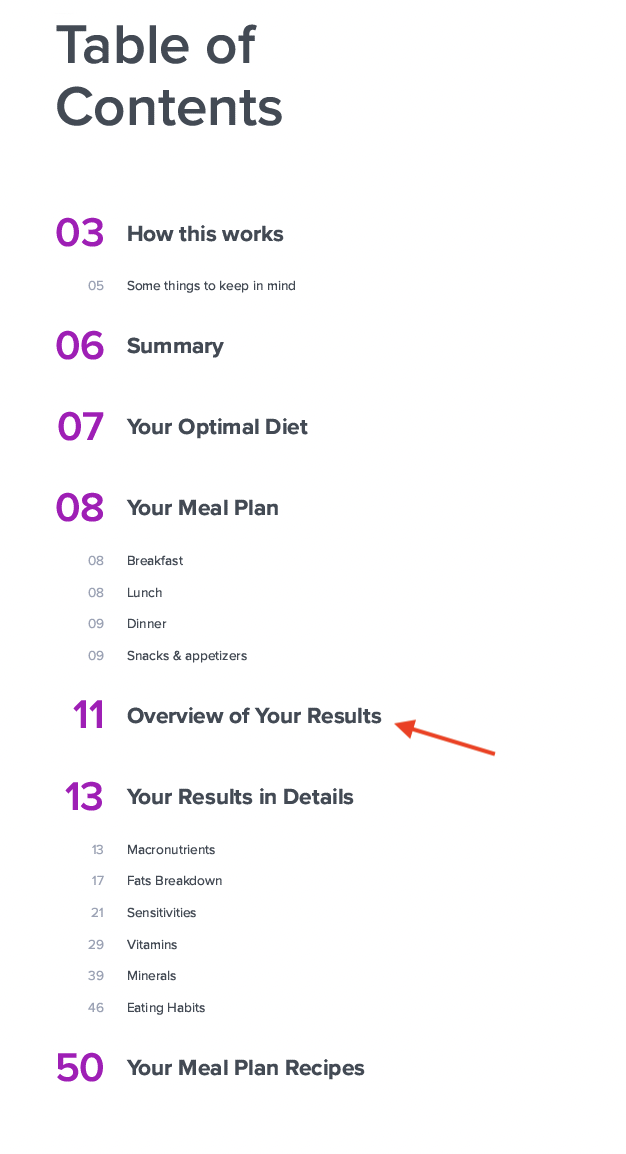
As summary reports are a collection of sub-reports, this page displays the overview of your results of all the sub-reports and how they're contributing to your overall summary report.
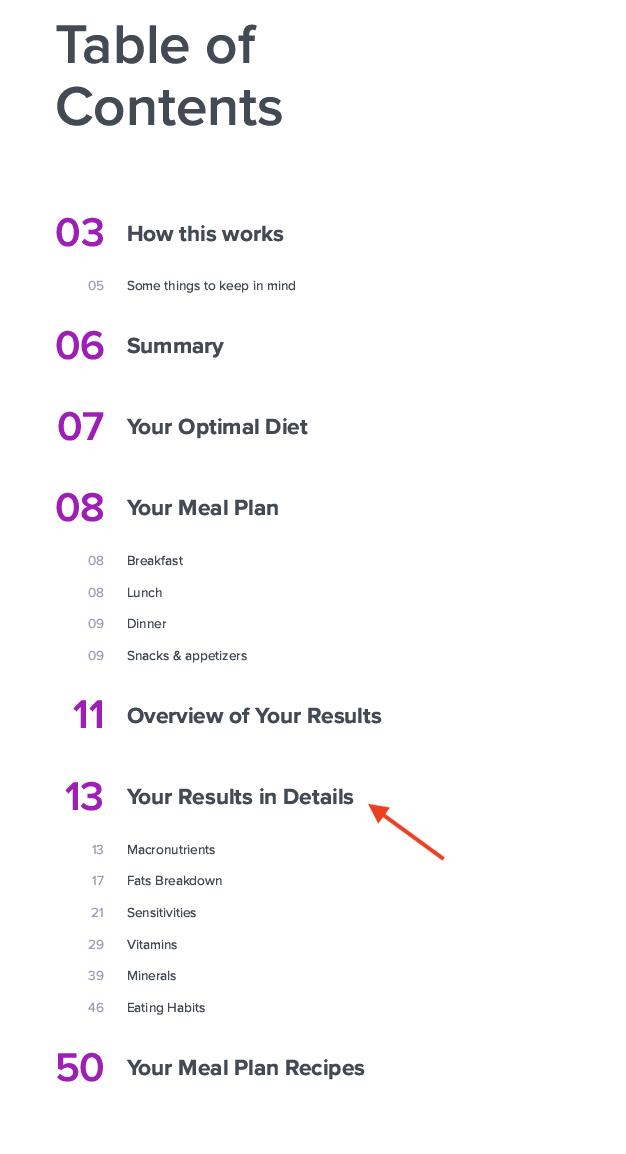
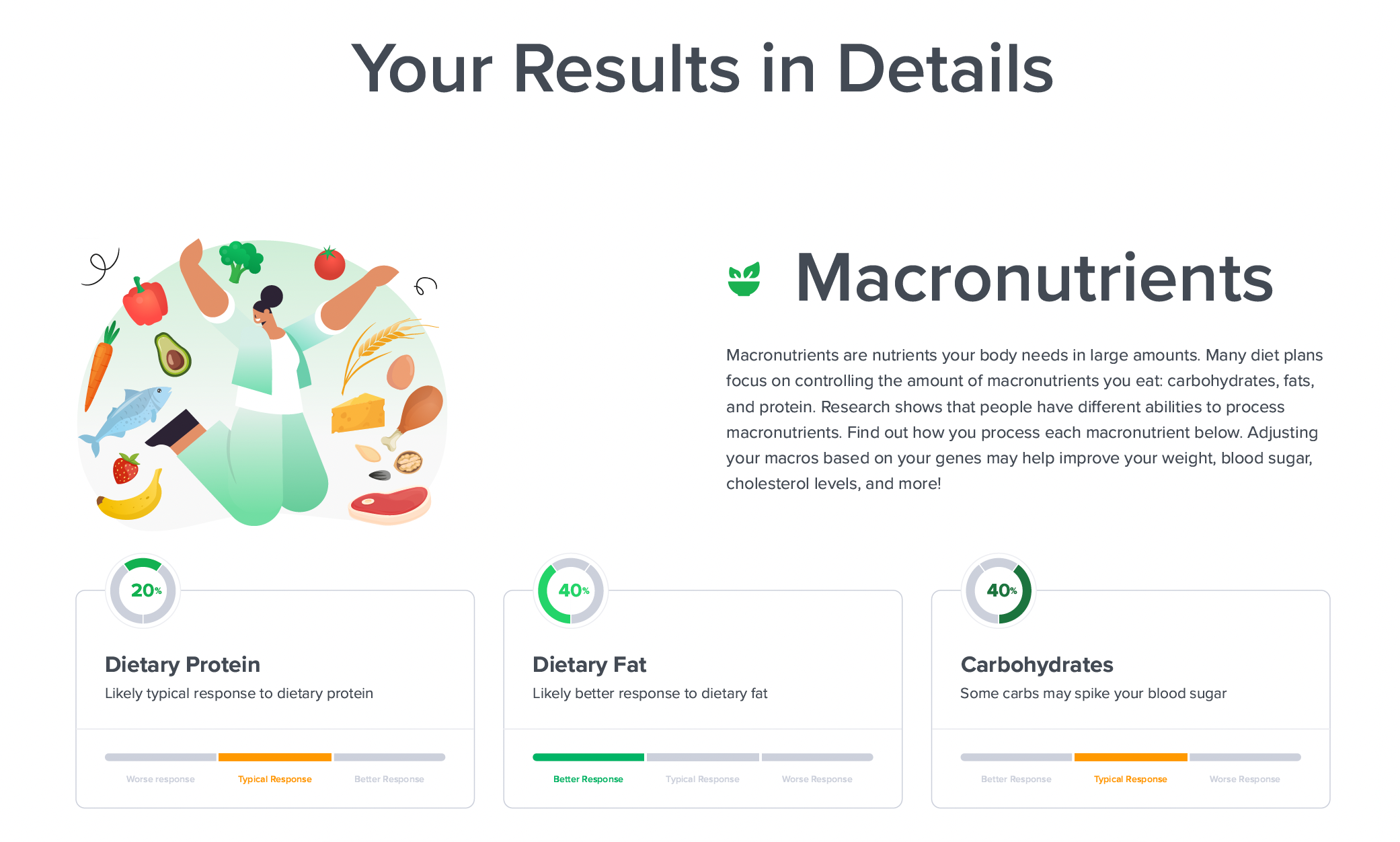
details
This section displays the details of all the sub-reports included in the summary report.
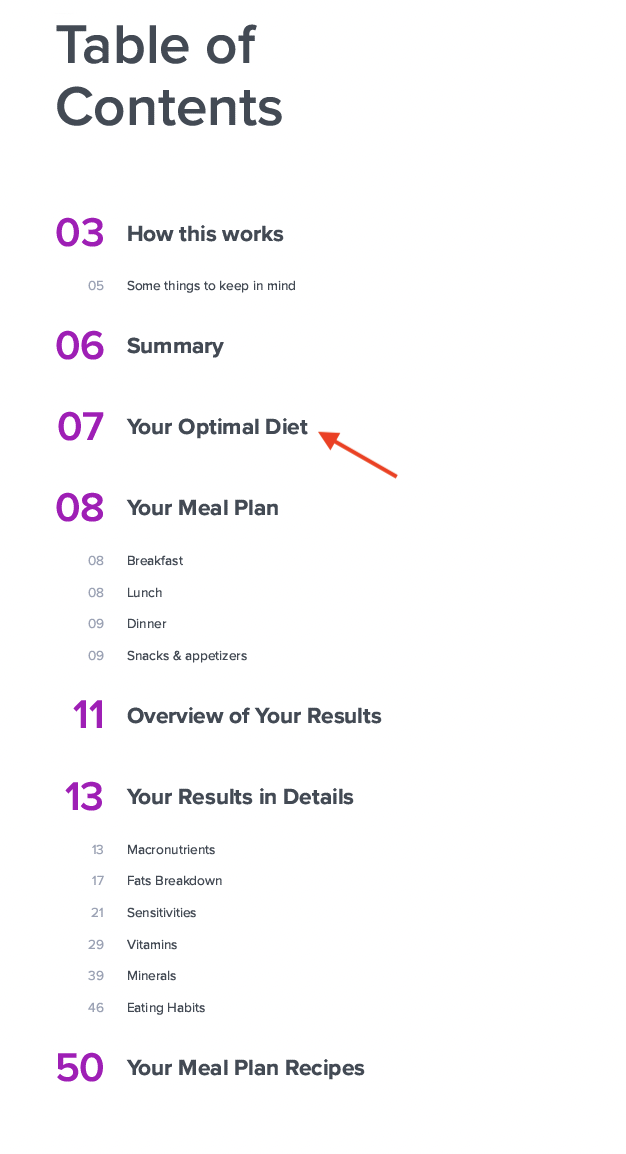
optimalDiet
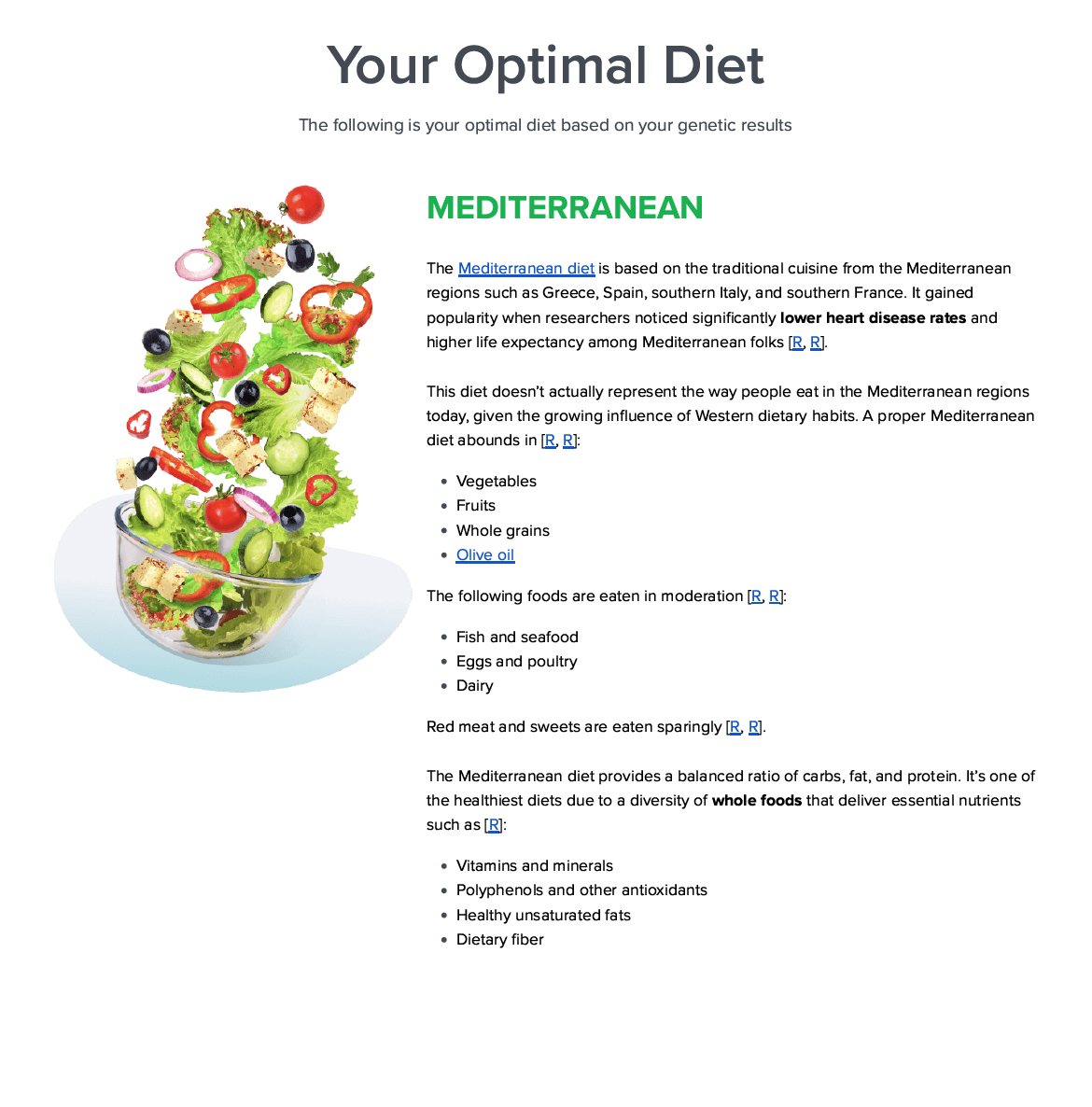
Only relevant for diet report. Suggests the optimal diet based on your DNA results. For more details, refer here.
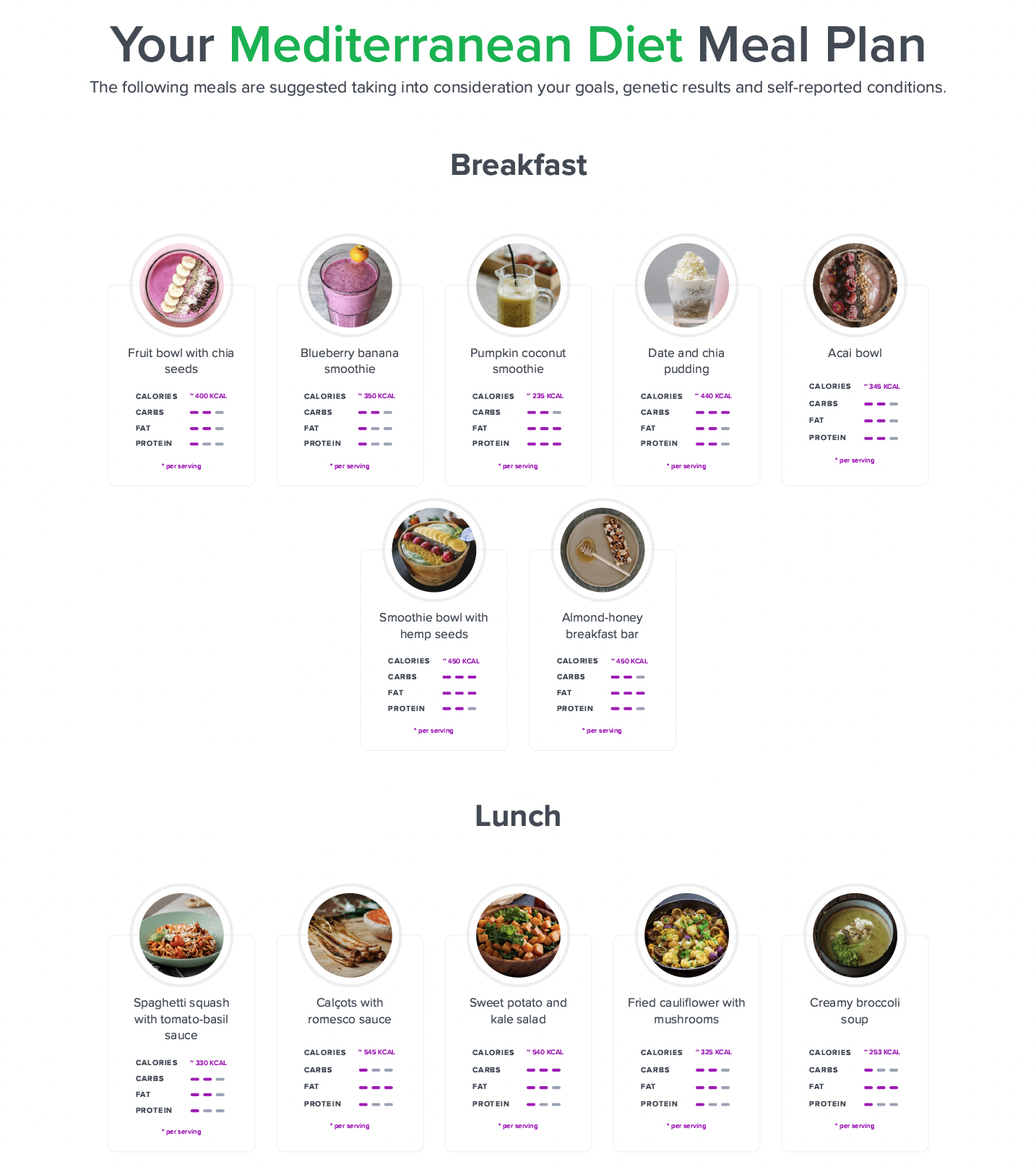
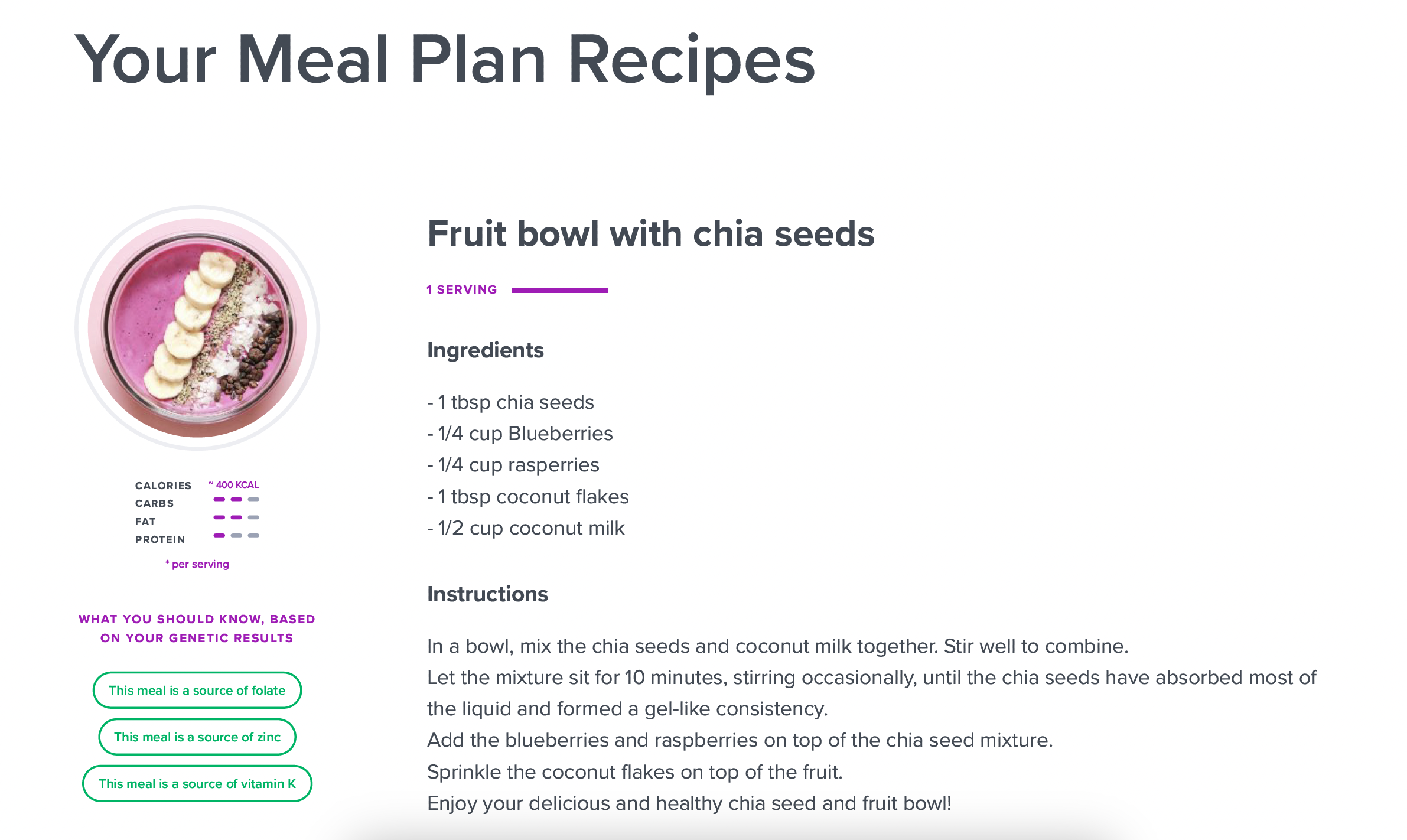
mealPlan
Only relevant for diet report. Displays the meal plan if you've built one. For more details regarding the meal plan, refer here.